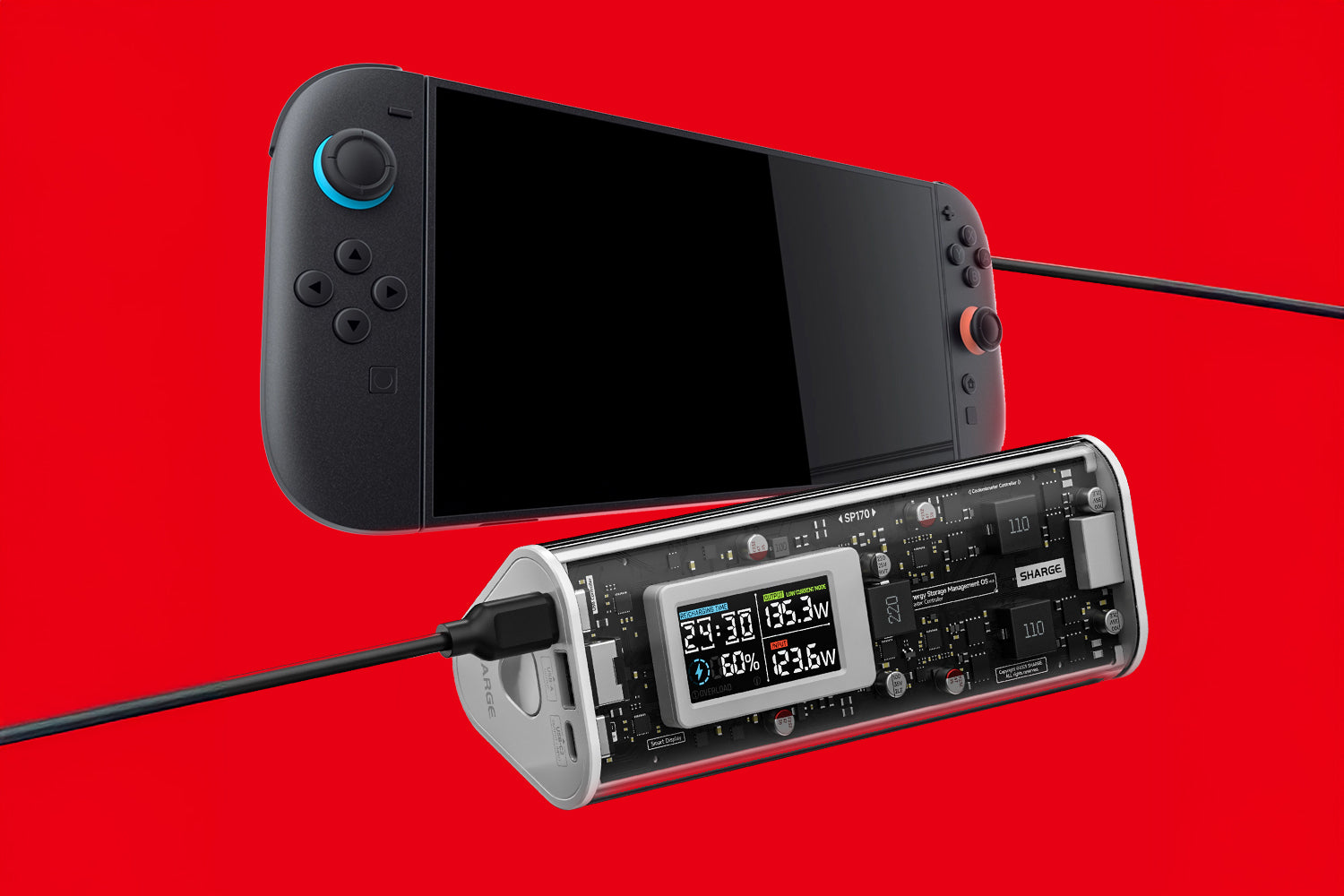
Introduction: Power Up Your Gaming On-the-Go As a gamer, nothing kills the vibe faster than a dead Switch 2 in the middle of an epic quest.
Enter Shargeek 170 – our transparent prism power bank designed to keep your gaming adventures non-stop. With its cutting-edge tech and eye-catching design, charging your Switch 2 has never been sleeker or more efficient.
Here’s how to power up seamlessly: Why Shargeek 170 Is Your Switch 2’s Perfect Companion Before we dive into the steps, let’s highlight why this power bank is a gamer’s dream:
170W Max Output & PD 3.1 Support: Delivers ultra-fast charging to your Switch 2, matching its high-power needs.
24,000mAh Capacity: Charges your Switch 2 2 full times on a single charge – that’s hours of Zelda or Mario Kart on the road.
Triple-Port Fast Charging: 2x USB-C + 1x USB-A ports let you charge your Switch, phone, and headphones simultaneously.
Transparent Prism Design: Showcases the internal engineering magic, making it a statement piece for your gaming setup.

Step-by-Step: How to Charge Your Switch 2 with Shargeek 170
1. Prep Your Power Bank Ensure Shargeek 170 is charged (use the 140W input to recharge it!). Flip on the smart display to check battery level and charging status at a glance.
Airline-Friendly: With 86.4Wh, it meets TSA/FAA/EASA carry-on rules, so take it on planes without hassle. Smart Display Insights: The display shows real-time power flow, remaining battery, and even temperature alerts, so you’re always in control.
Olight × SHARGE: Powering Your Path with Tech and Light
☀️ SHARGE Summer Sale: The Hottest Deals of the Season Are Here! ☀️